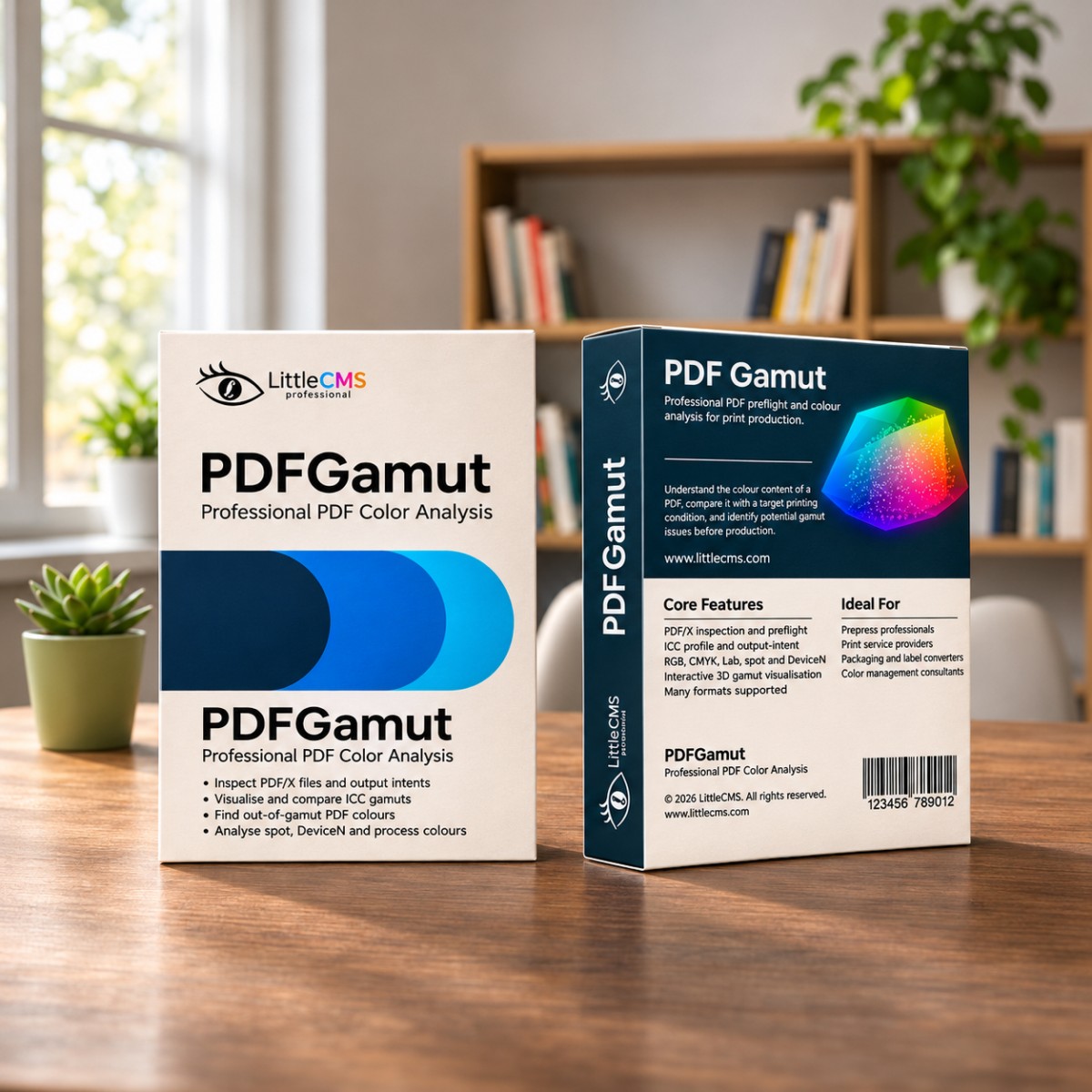
Much more than PDF preflight and gamut visualization
PDFGamut is our flagship product. We designed it to make complex gamut checks easy to run and their results easy to interpret. Its advanced tools let you compare gamuts in 3D and quantify color differences across PDF documents, ICC profiles, spot-color libraries, and measurement data.
PDFGamut is a desktop color analysis tool for prepress teams and color specialists. Open a PDF to inspect the colors used in vector objects and images, including spot colors and multichannel /Separation and /DeviceN colors. Use the PDF’s output intent or compare the job against another ICC print profile.
See where the job exceeds the print gamut. Plot document colors against the target gamut in 3D, inspect individual colors, and use a color difference threshold to focus on the largest deviations. Compare candidate print gamuts when choosing a production condition.
Beyond PDFs, check named-color libraries against a target gamut or verify how closely an ICC profile predicts a measured print. Compare measured patches with the profile’s predictions and generate a report to share the findings.
Some supported workflows
PDFGamut helps you tackle real-world color challenges, make informed decisions, and move forward with confidence.
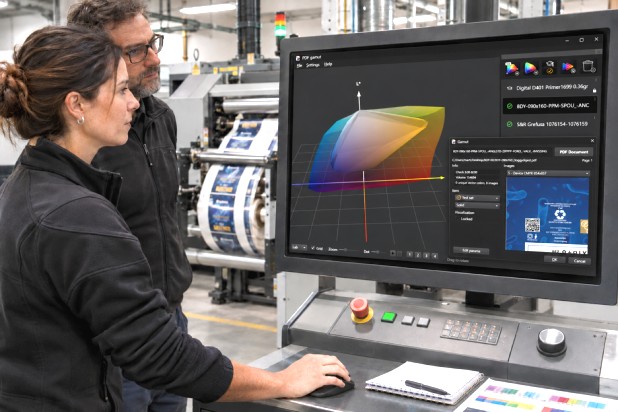
Check a PDF job before printing
Identify which pages contain colors outside the intended print gamut.
Verify ICC profile accuracy
Compare a profile’s predictions with measurements from a printed target. Use standard wedges.
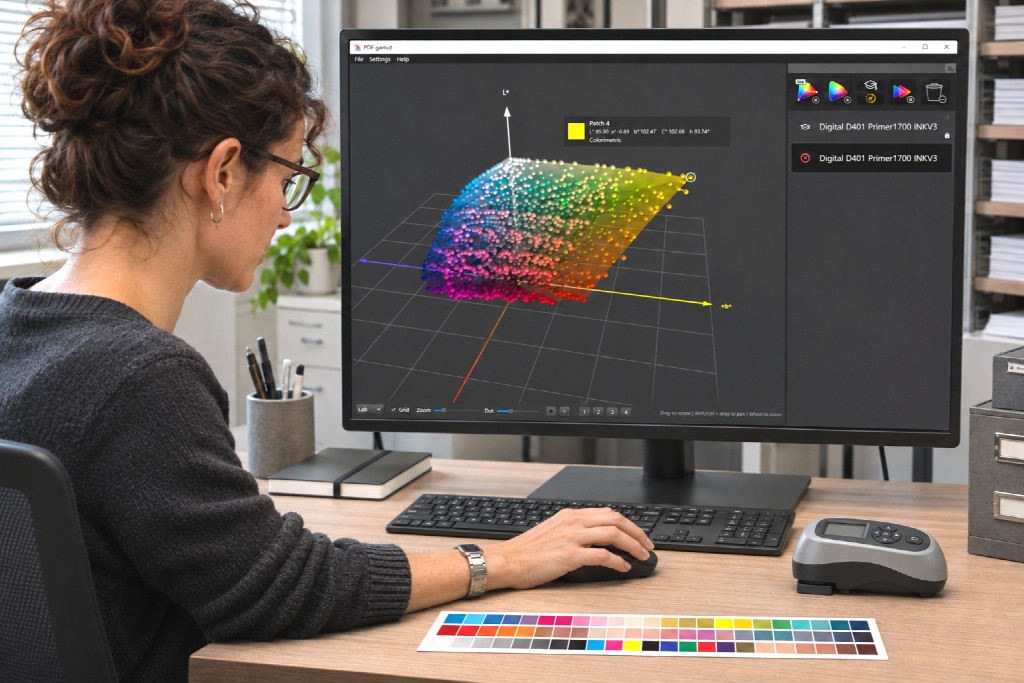
Compare gamut coverage
Overlay gamuts in 3D to see where they overlap and where each extends beyond the other. Compute the differences and generate a customized report.
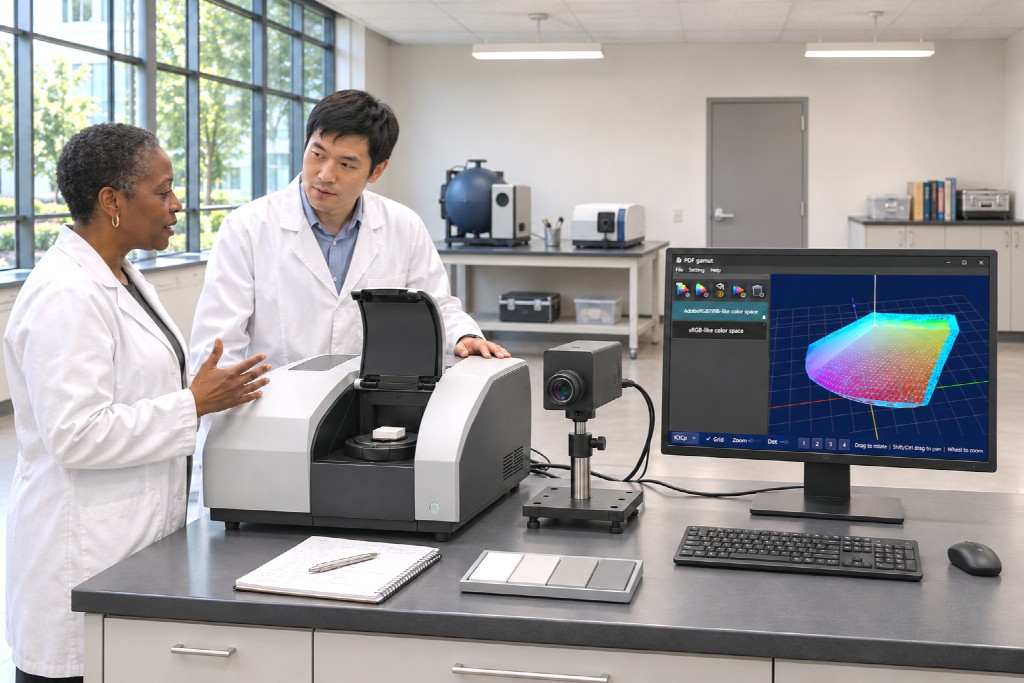
Preflight PDF colors
Inspect vector graphics, spot colors, embedded images, and the output intent before production.

Check spot-colors to be in gamut
See which named colors a print process can reproduce and how far the others fall outside its gamut.
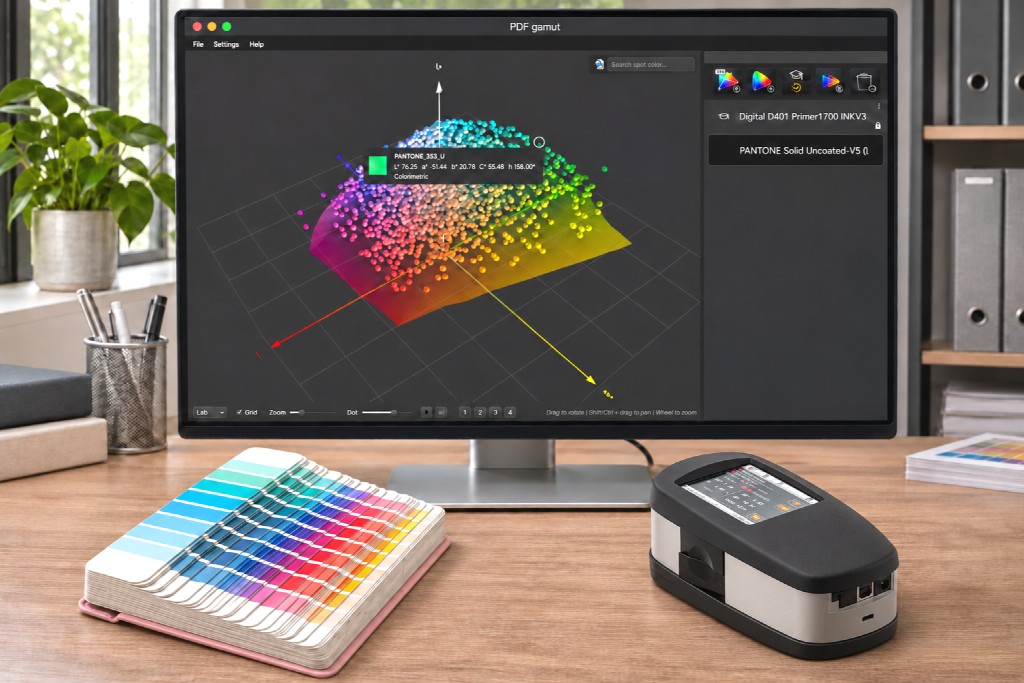
Create customized reports
Turn your PDFGamut analysis into customized reports for clients, colleagues, and production teams.

Features
| Feature | PDFGamut |
|---|---|
| Gamut visualization and comparison | |
| Interactive 3D gamut viewer Overlay multiple gamuts using solid, transparent or wireframe surfaces and point clouds. | Available |
| Supported file formats Open PDF, ICC, JPEG, TIFF, PNG, CGATS/IT8 based, CxF/X-4 and earlier including spectral, Adobe ASE, ACO, ACB and Excel CSV. Imports measurement files from most instrument manufacturers. | Available |
| Convex and concave gamut models Build a convex hull or use adjustable alpha shapes to reveal indentations in the sampled gamut. | Available |
| Quantitative gamut comparison Compare volumes in Lab³ and identify colors outside a reference gamut using a chosen tolerance. | Available |
| Seven color-space views Explore CIE Lab, XYZ, LMS, OKLab, DIN99, ICtCp or JzAzBz while preserving the original Lab values. | Available |
| Selectable color-difference metrics Choose CIE76, CIE94, CMC, CIEDE2000, DIN99, ICtCp or JzAzBz independently of the display space. | Available |
| Image color clouds Display a raster image as a bubble cloud of up to 10,000 distinct colors. | Available |
| PDF color extraction | |
| Page-by-page PDF gamut checks Compare each page against a target ICC profile and identify pages that exceed the selected tolerance. | Available |
| Selective PDF color extraction Examine vector graphics, spot colors and embedded images separately. Check just the vectors and spot colors in a PDF/X-4 against FOGRA39, for example. | Available |
| Complex PDF color spaces Analyze device and calibrated colors, CIE Lab, ICCBased, Indexed, Separation and DeviceN, including Indexed palettes built on DeviceN. | Available |
| Feature | PDFGamut |
|---|---|
| PDF output intent and gamut checks | |
| Embedded Output Intent Use the embedded ICC profile to interpret matching device colors. Optionally run an output-intent round trip to estimate changes through the declared printing condition. | Available |
| Out-of-gamut image heat maps See which areas of an embedded PDF image contain colors outside the target gamut. | Available |
| ICC profile analysis | |
| ICC profile gamut comparison Overlay profiles for different devices, inks or papers. Inspect differences by hue and lightness and compare gamut volumes. | Available |
| ICC profile verification against measurements Use the original device values from a measured target to test an ICC profile’s predictions. Review average, maximum and per-patch ΔE. | Available |
| Spectral data, spot colors and reporting | |
| Spectral reflectance analysis Calculate Lab from measured reflectance spectra using the selected illuminant and observer. | Available |
| Custom illuminants and observer functions Load illuminant spectral power distributions and observer color matching functions from CGATS files. Compare 2° and 10° observers using identical reflectances and illuminant. | Available |
| Patch-by-patch measurement comparison Compare corresponding CGATS patches. Inspect ΔE distributions, identify the largest differences and follow color shifts as vectors in 3D. | Available |
| Named spot-color checks Search swatches by name, inspect Lab and LCh values, and visualize the distance to the target gamut with color-coded vectors. | Available |
| Customizable HTML reports Use your own layout and logo to report page results, failed pages, out-of-gamut spot colors, gamut volumes and error histograms. | Available |
| 3D gamut export Export a gamut hull as VRML 2.0 or save the current view as PNG, JPEG, BMP or TIFF. Export color lists as CGATS. | Available |
Available
Screenshots
Take a closer look at how PDFGamut displays gamut comparisons, spot-color differences, PDF contents, and report results.
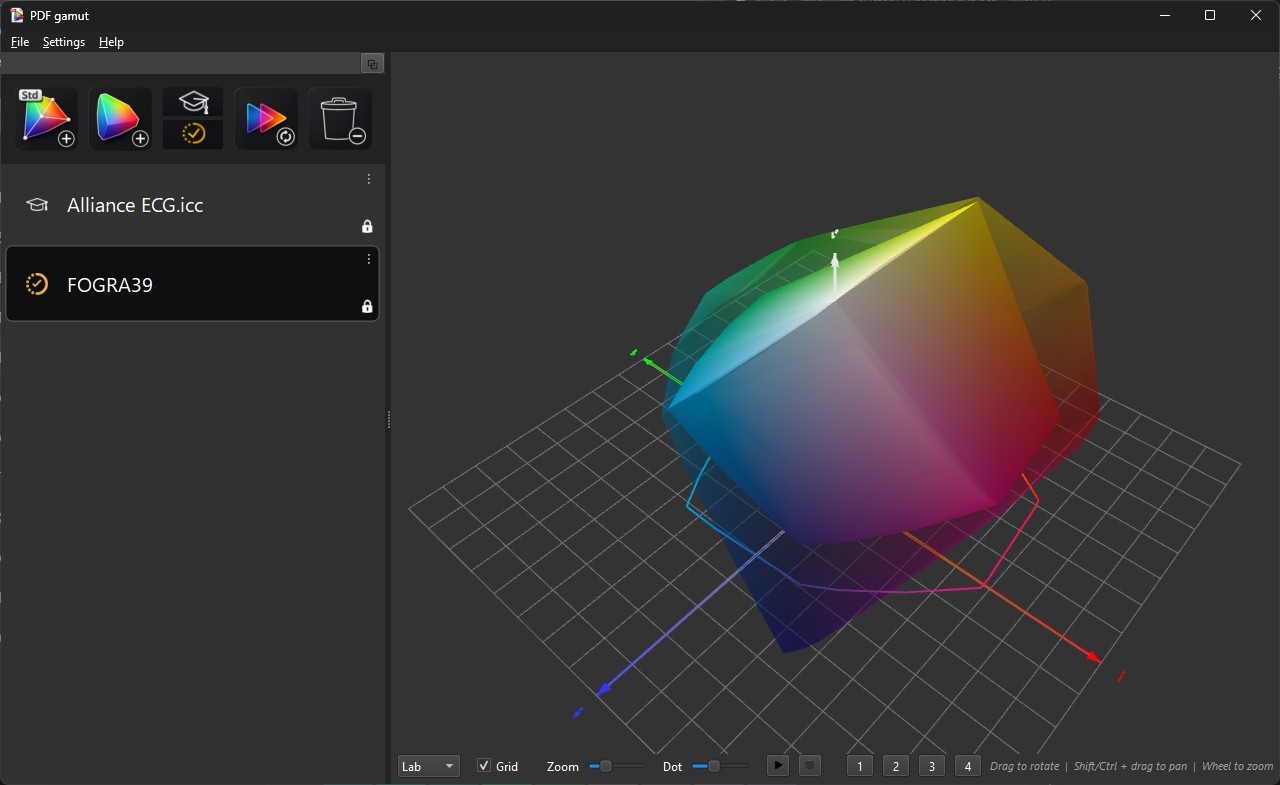
Compare print gamuts in 3D
Overlay the United Alliance ECG and Coated FOGRA39 gamuts in Lab to see where their boundaries differ.
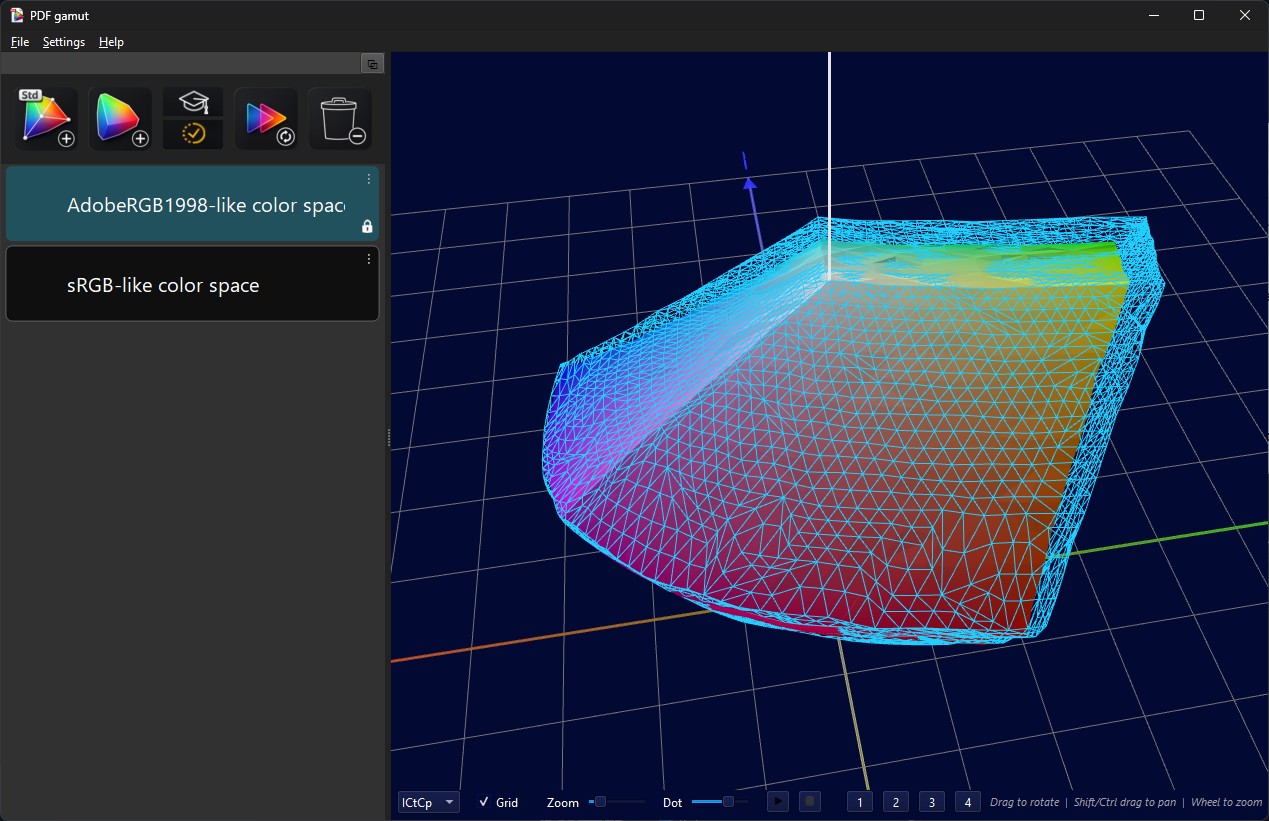
Combine solid and wireframe views
Compare Adobe RGB (1998)-like and sRGB-like gamuts in ICtCp, using a wireframe to keep both boundaries visible.
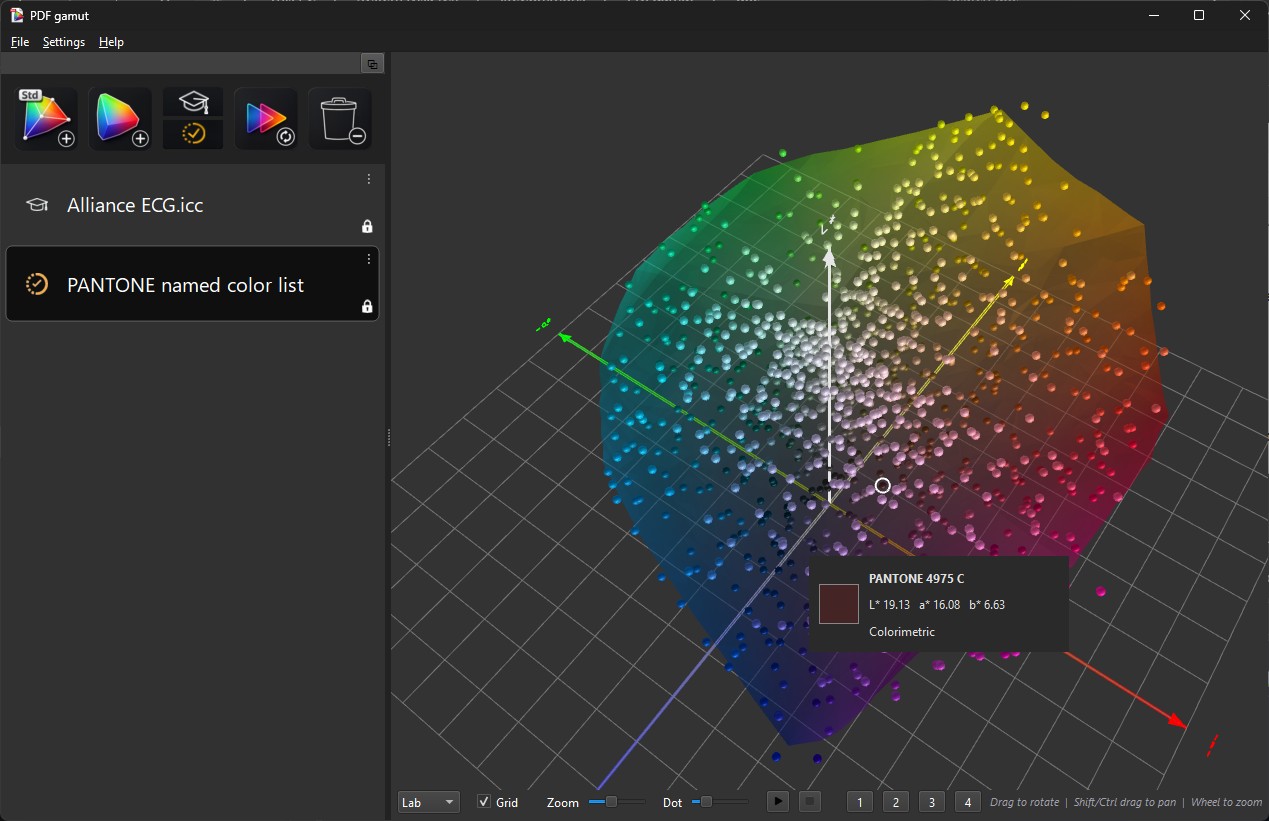
Inspect individual spot colors
Plot a named-color library against an ECG print gamut. Select a color to see its name, swatch, and Lab values.
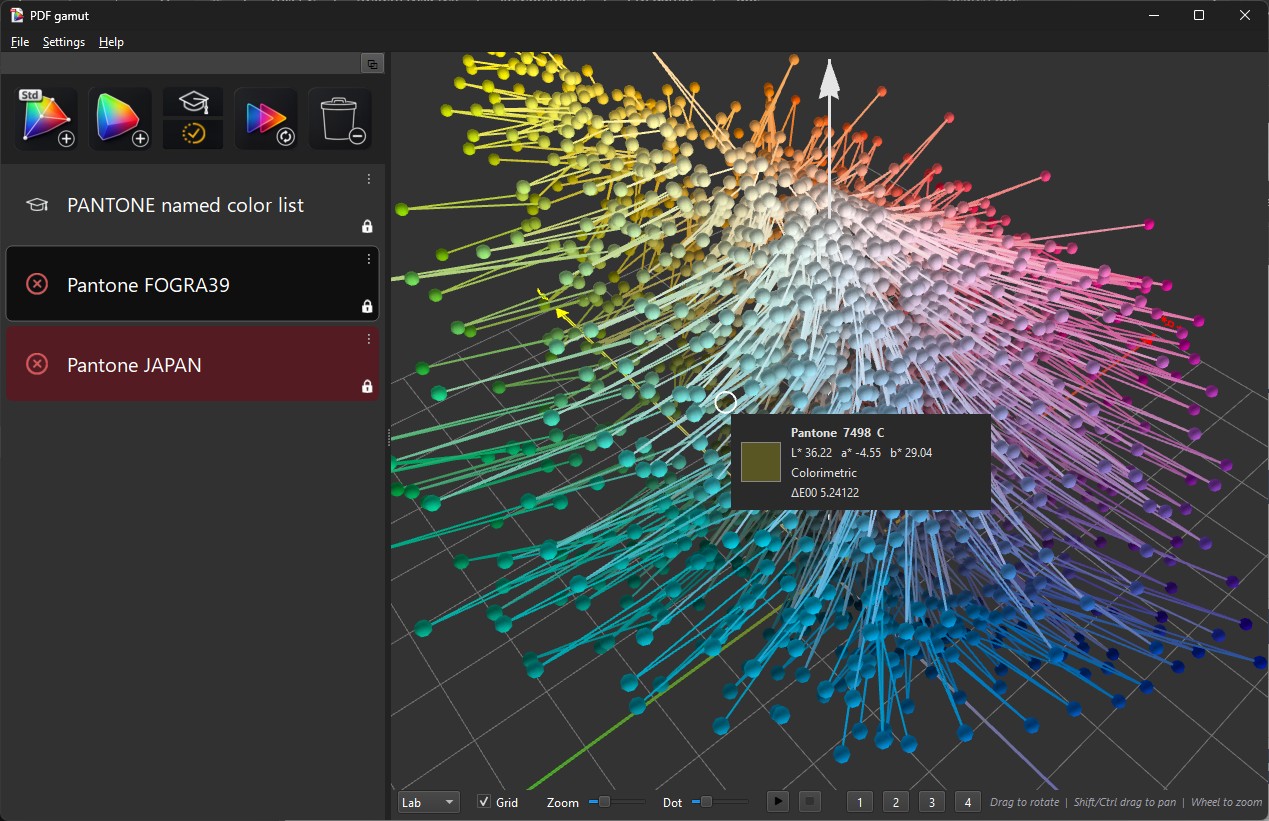
Visualize spot-color differences
Use 3D vectors to see the direction of color shifts, then select an individual spot color to read its ΔE00 difference.
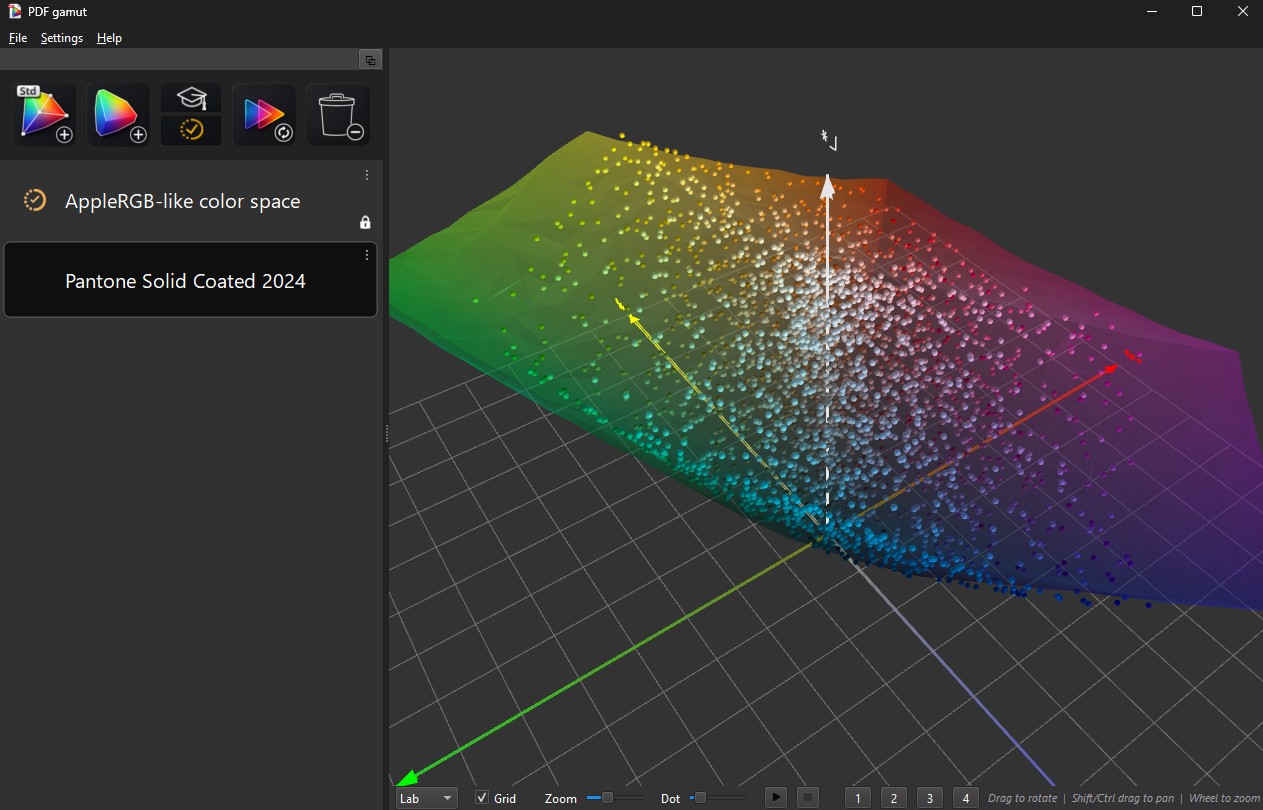
Check a spot-color library against an RGB gamut
Overlay Solid Coated 2024 colors on an Apple RGB-like gamut to see how the library fits within that color space.
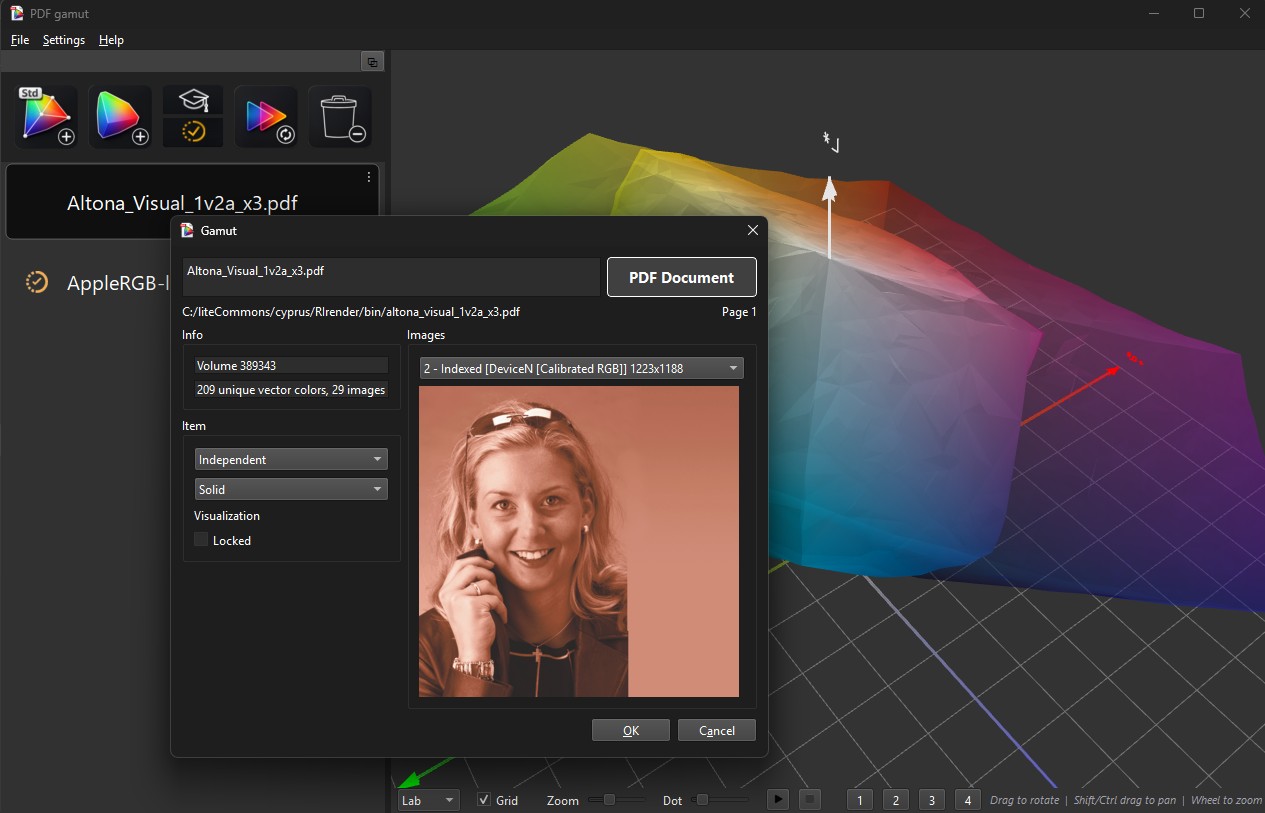
Inspect embedded images in a PDF
Preview an embedded image and see its attributes alongside the page’s vector color and image counts.

Create customized gamut check reports
Share a summary of the gamut check, the ΔE00 distribution, and a detailed list of out-of-gamut spot colors.
Buy PDFGamut
PDFGamut is for prepress teams, print providers, and color specialists who need to decide whether a job fits a production condition before committing it to press.
- Choose a print condition for the job. Compare the document’s colors against candidate gamuts before choosing a profile or process.
- Identify colors that need a production decision. Check critical spot colors and use a tolerance to focus the review.
- Share the evidence behind your decision. Report gamut findings so customers and production teams can agree on how to proceed.
PDFGamut